How to Automate W-9 Data Entry With AI Document Processing
September 28, 2026•12 min read•Receiptli Team
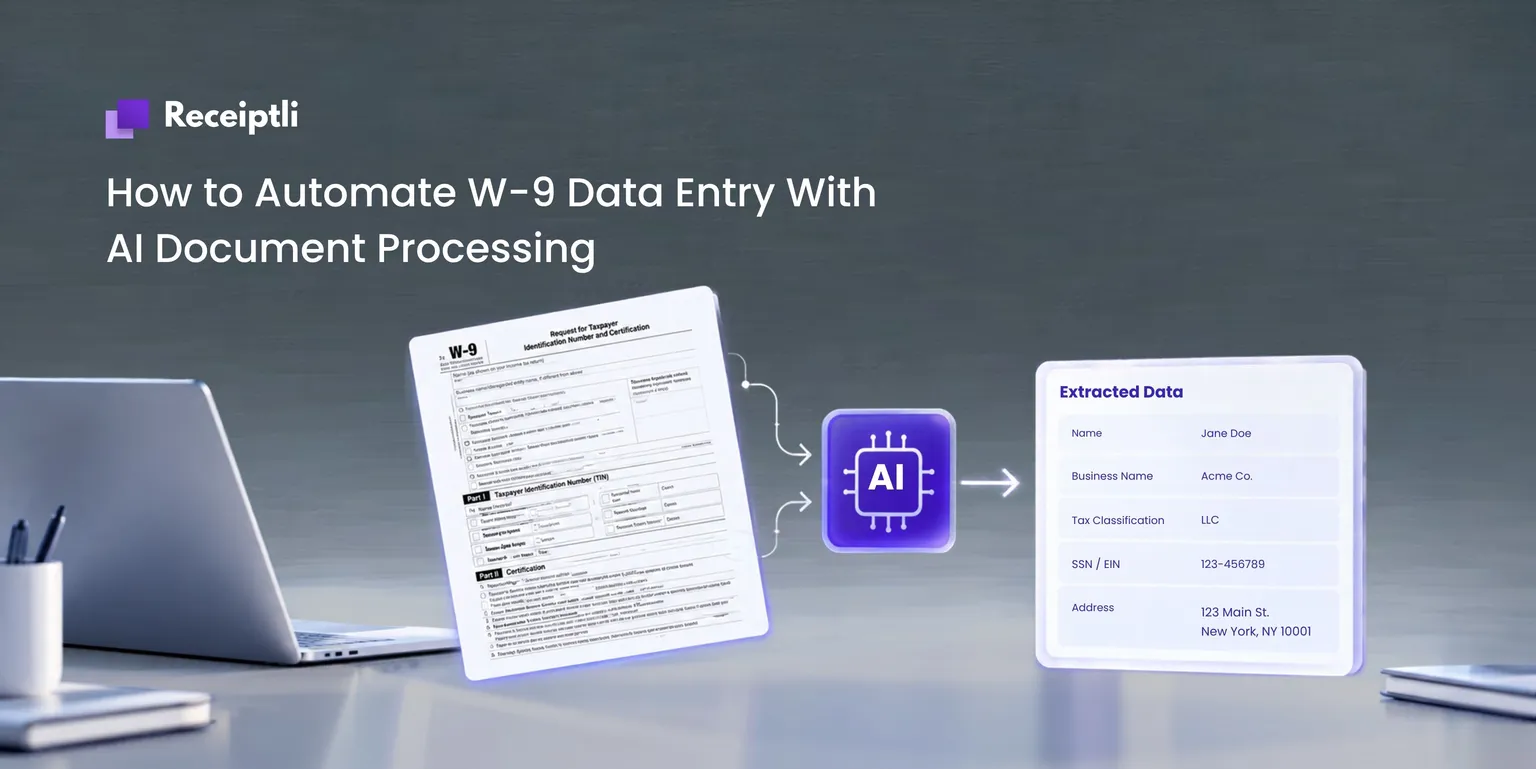
W-9 forms are a routine part of vendor onboarding, contractor management, and accounts payable. The problem starts when a business has to process hundreds or thousands of them manually. Someone has to open each document, identify the relevant information, type it into another system, check that the form is complete, and follow up when something is missing or unclear.
AI document processing can automate much of this work. Instead of treating a W-9 as a static PDF or image, an AI-powered workflow can identify the document, extract relevant fields, validate the results, and send approved information to the system where it is needed.
The goal is not to remove people from the process entirely. A well-designed W-9 automation workflow lets software handle repetitive data entry while people focus on exceptions, corrections, and decisions that require review.
What Is W-9 Document Processing?
W-9 document processing is the process of collecting, reading, extracting, validating, and organizing information from completed IRS Form W-9 documents.
In a manual process, an employee may receive a W-9 through email or a vendor portal, open the file, check the form, and copy information into a spreadsheet, accounting platform, ERP, or vendor management system. The original document then needs to be stored and connected to the correct vendor record.
W-9 data entry automation changes this workflow by using AI and OCR to capture information from the document and convert it into structured data.
A W-9 may arrive as:
- A digital PDF
- A scanned document
- An image
- An email attachment
- A document uploaded through a vendor portal
The format and quality can vary from one submission to another. AI document processing helps identify the relevant fields even when documents are not perfectly consistent.
What Data Can AI Extract From a W-9?
The exact information extracted depends on the organization's workflow, but W-9 form data extraction commonly focuses on fields used to create or maintain vendor records.
These can include:
| W-9 field | Purpose |
|---|---|
| Legal name | Identifies the individual or entity |
| Business name | Captures a business or disregarded entity name when provided |
| Federal tax classification | Records the selected tax classification |
| Exemption codes | Captures applicable exemption information |
| Address | Provides the vendor's mailing address |
| Taxpayer identification number | Captures the TIN field |
| Signature | Helps determine whether the form has been signed |
| Signature date | Records the date associated with certification |
| Document metadata | Tracks information such as upload date or source |
The extracted information can then be returned as structured data instead of remaining locked inside a document.
This distinction is important. The value of W-9 automation is not simply recognizing text. It is connecting the extracted information to the next step in the business process.
How Does AI W-9 Processing Work?
A typical AI W-9 processing workflow can be broken into several stages.
1. Receive the W-9
The process begins when a vendor, contractor, or other payee submits a W-9 through email, an upload portal, a shared folder, or another connected application.
2. Identify the document
The system determines whether the uploaded file is a W-9. This helps separate W-9 forms from invoices, receipts, contracts, and other documents that may arrive through the same channel.
3. Extract the required fields
OCR converts text from the document into machine-readable information. AI models can then use the document's structure and context to identify which values belong to which fields.
For example, extracting a person's name is only part of the task. The system also needs to understand whether that name belongs to the legal name field, business name field, or another part of the document.
4. Validate the extracted information
After extraction, validation rules can identify missing or potentially problematic information.
A workflow may flag:
- Missing required fields
- Unclear or unreadable values
- Missing signatures
- Missing dates
- Unexpected field formats
- Low-confidence extraction results
These checks provide an additional layer of control before information reaches another business system.
5. Send exceptions for review
Not every W-9 should be treated as a perfect automated transaction.
A clear scan with high-confidence fields may move through the workflow quickly. A poor-quality image, handwritten value, or unclear field can be routed to a person for review.
This is known as a human-in-the-loop workflow.
The basic principle is simple:
AI extracts the information. Validation rules check it. People review the exceptions.
6. Export approved data
Once the information has been reviewed or approved, the structured data can be sent to the relevant accounting, ERP, vendor management, or other business system.
7. Store the document and record
The original W-9 and its extracted information can then be associated with the appropriate vendor record according to the organization's document-management and retention policies.
Why Is Manual W-9 Data Entry Difficult?
An employee may need to:
- Download attachments
- Identify W-9 documents
- Open and review each form
- Copy information into another system
- Check whether fields are complete
- Rename and organize files
- Follow up with vendors
- Correct data-entry mistakes
- Search for older forms later
Repeated data entry also creates opportunities for inconsistencies. A vendor name may be entered differently across systems, an address may contain a typing error, or a document may be stored without being properly connected to the vendor record.
Automation reduces this repetitive work by creating a consistent path from document intake to structured data.
It also makes exception handling easier. Instead of manually reviewing every field on every document, teams can focus their attention on forms or fields that actually require intervention.
Where W-9 Automation Fits Into Business Workflows
W-9 processing becomes more valuable when it is connected to the systems and processes that already exist within a business.
Vendor onboarding
When a new supplier, contractor, or service provider submits a W-9, extracted information can help populate the relevant vendor record.
Accounts payable
Approved W-9 information can be passed into accounting or payment workflows, reducing repetitive re-keying.
Procurement
Procurement teams can connect W-9 collection with supplier onboarding and keep the relevant documentation associated with vendor records.
Document management
Existing W-9 files can be converted into searchable, structured records rather than remaining as disconnected PDFs.
Compliance preparation
Organized documents and structured fields can make it easier for authorized teams to locate information when documentation needs to be reviewed.
The important point is that W-9 automation should fit the existing workflow. Extracting information is only one part of the process. The extracted data still needs to reach the right destination.
Does W-9 Automation Eliminate Human Review?
No. In most practical workflows, human review remains useful for exceptions.
AI document processing can handle predictable extraction tasks, but documents can still contain poor-quality scans, handwriting, incomplete information, or unusual entries.
A better approach is to avoid forcing every document through the same process.
For example:
High-confidence extraction → automated validation → approved data
while:
Low-confidence extraction → human review → correction → approved data
This approach allows teams to automate repetitive work without assuming that every document will be perfectly readable.
It also creates a clearer responsibility boundary. Software can help extract and organize information, while people remain responsible for reviewing exceptions and applying the organization's policies.
What Should You Look for in W-9 Data Entry Automation Software?
When evaluating an AI document processing solution, look beyond basic OCR.
Useful capabilities can include:
- W-9 document classification
- Field-level extraction
- Confidence scores
- Validation rules
- Human review workflows
- Structured data exports
- Integration options
- Searchable document storage
- Audit history
- Appropriate access controls
The most useful solution is not necessarily the one that extracts the most text. It is the one that fits the complete workflow from document submission through review and data delivery.
Because W-9 forms contain sensitive taxpayer information, organizations should also evaluate how documents and extracted data are accessed, stored, transferred, and retained within their chosen workflow.
How to Start Automating W-9 Data Entry
You do not need to automate every document process at once.
A practical implementation can start with one team or one intake channel.
Step 1: Map the current process
Document how W-9 forms arrive, who reviews them, where information is entered, and where documents are stored.
Step 2: Define the required fields
Identify which W-9 fields need to be extracted for your specific workflow.
Step 3: Define exceptions
Decide which conditions require human review, such as unreadable fields, missing information, or low-confidence extraction.
Step 4: Test real documents
Use representative W-9 samples, including different file qualities and formats, to evaluate how the extraction workflow performs.
Step 5: Connect the destination system
Determine where approved W-9 data needs to go, whether that is an accounting platform, ERP, vendor management system, database, or structured export.
Step 6: Monitor and improve
Track extraction errors, review patterns, and workflow bottlenecks. Use those findings to improve validation rules and review processes over time.
Starting with a controlled workflow makes it easier for teams to understand where automation provides the most value before expanding it.
How Receiptli Fits Into W-9 Data Processing
W-9 forms are one example of a broader document-processing problem: businesses receive information in documents, but their workflows need that information in structured, usable formats.
A document-processing platform such as Receiptli can fit into this type of workflow by helping turn document content into structured data that can be reviewed and used by downstream systems.
The broader objective is to move beyond simply storing W-9 PDFs. When document data can be extracted, structured, reviewed, and delivered to the right workflow, teams spend less time on repetitive manual entry and more time handling the work that requires human judgment.
Conclusion
Automating W-9 data entry with AI document processing can reduce repetitive typing, improve consistency, and create a more organized workflow for vendor and tax-document management.
A practical process typically combines document classification, W-9 data extraction, validation, confidence-based review, and structured data export. The most effective approach does not assume that AI will handle every document perfectly. Instead, it uses automation for predictable work and sends unclear or exceptional cases to people for review.
For businesses processing W-9 forms at scale, that combination can turn a repetitive administrative task into a more structured and manageable workflow.
FAQs
How accurate is AI for W-9 form data extraction?
Accuracy depends on factors such as document quality, the extraction technology being used, field recognition, validation rules, and the presence of human review. Poor-quality scans and unclear handwriting may require additional review.
Can AI extract data from W-9 PDF files?
Yes. AI document processing can extract information from digital PDFs as well as scanned documents, depending on the quality of the file and the capabilities of the processing system.
What fields can AI extract from a W-9?
Common fields include the legal name, business name, tax classification, exemption information, address, taxpayer identification number, signature status, and signature date. The exact fields extracted depend on the workflow.
Does W-9 automation eliminate manual review?
Not necessarily. A strong workflow uses automation for routine extraction while routing low-confidence, incomplete, or unclear information to a human reviewer.
Can extracted W-9 data be used in other business systems?
Yes. When the extraction process produces structured data, that information can be prepared for use in accounting, ERP, vendor management, databases, or other connected workflows, depending on the available integrations and export options.
More Resources: