The Ultimate Guide to Automated Data Extraction for Businesses
January 19, 2026•18 min read•Receiptli Team
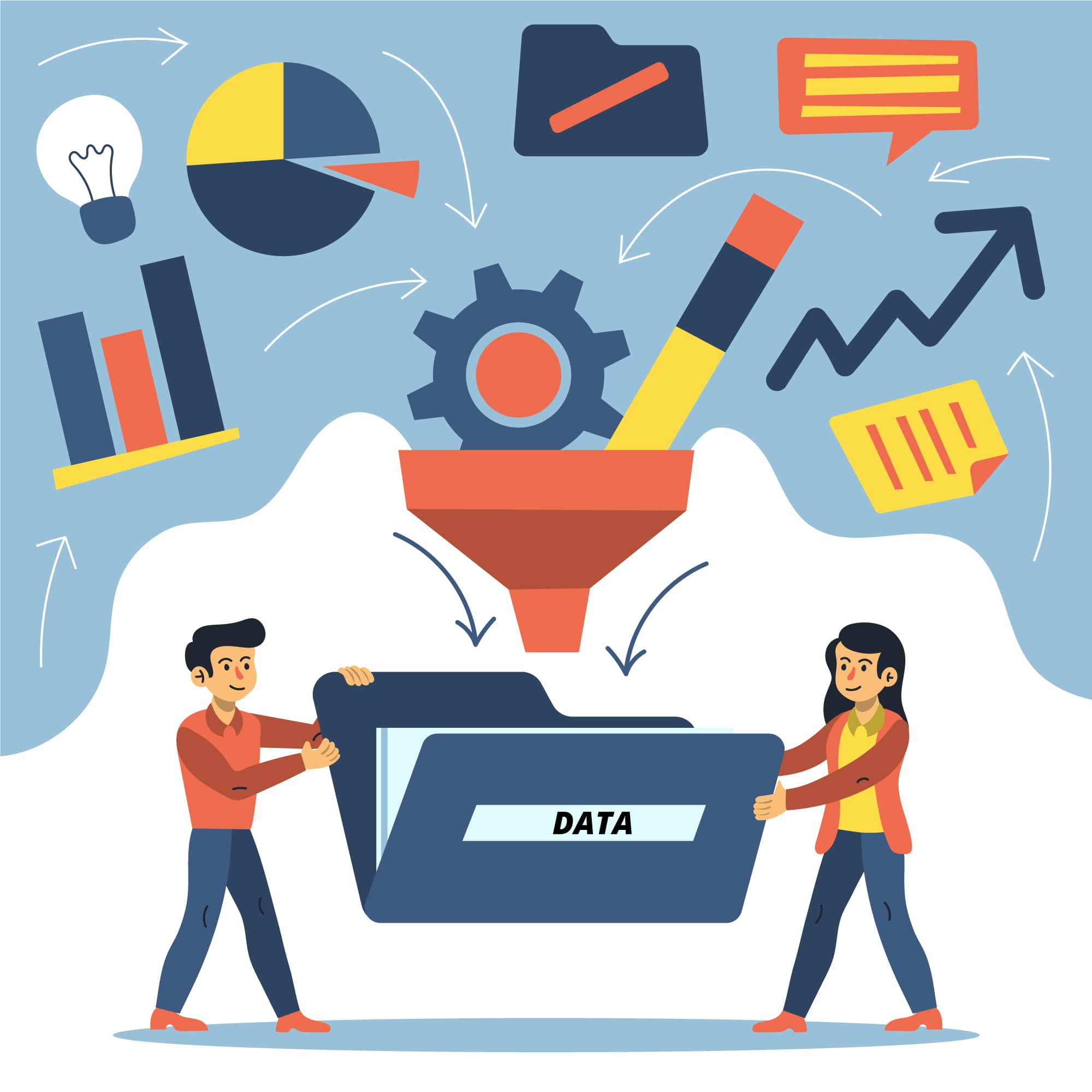
Businesses are drowning in documents: invoices, receipts, PDFs, forms, and email attachments. As teams scale, manual copy-paste and spreadsheet workflows break down—slowing down operations and introducing costly errors.
That's why automated data extraction is now a must-have. With AI data extraction software, businesses can automatically extract text, capture key fields, and convert messy documents into structured formats (JSON/CSV) that flow into the systems you already use—like CRM, ERP, or accounting tools.
What Is Automated Data Extraction?
Automated data extraction is the process of using software to collect information from unstructured sources—like scanned documents, images, PDFs, and emails—and transform it into structured data.
Modern data extraction software commonly uses:
- OCR (Optical Character Recognition) to perform image extract and read scanned text (invoice OCR, receipt OCR)
- NLP (Natural Language Processing) to interpret text and context (names, addresses, totals, dates)
- Machine learning to handle different layouts (even when templates fail)
- Pattern recognition to identify fields like invoice number, subtotal, VAT/tax, line items, etc.
Traditional Data Entry vs. AI Data Extraction
Manual entry typically means slower processing, inconsistent formatting, and frequent mistakes. With AI data extraction, documents become structured automatically—at speed—so teams can focus on approvals and decisions instead of typing.
Why Automated Data Extraction Is Essential for Businesses
1. Improve Operational Efficiency
Automating repetitive capture tasks (invoice OCR, receipt parsing, document parser workflows) removes bottlenecks—especially in finance, operations, and customer onboarding.
2. Reduce Errors and Improve Accuracy
Even strong teams make mistakes when entering data all day. A data extraction tool standardizes outputs and reduces human error, especially when paired with confidence checks and validation rules.
3. Boost Productivity with Faster Processing
Instead of waiting hours or days for data entry, AI document processing can deliver structured data quickly—so you can reconcile faster, ship faster, and respond faster.
How Automated Data Extraction Works
Most businesses follow a simple flow:
- Capture the document (PDF, scanned image, photo, or email attachment)
- Text extraction happens via OCR (only if needed—native PDFs can be read directly)
- AI parsing identifies fields and relationships (totals, dates, vendor, line items)
- Validation & review (optional) to confirm key fields
- Export or send via API into your workflow (CRM/ERP/accounting/data warehouse)
Receiptli, for example, positions itself as an AI document processing platform that converts documents and emails into structured data without relying on brittle templates, and can deliver results via API or exports like JSON/CSV.
Key Features to Look for in Data Extraction Software
When evaluating AI data extraction software, prioritize:
- Easy integration with CRM, ERP, accounting, and BI tools
- Data extraction API for automation and embedding into your product
- Cloud-based scalability for remote teams and growth
- Customization for your industry's documents (invoices, receipts, forms, emails)
- Support for multiple formats (PDF data extraction, image extract, email parsing, scanned documents)
Top Automated Data Extraction Tools
Here are popular options businesses compare:
- Receiptli – AI-powered text extraction and structured data delivery for invoices, forms, PDFs, and emails (API + exports)
- Tabula – A well-known option for extracting tables from PDFs (PDF data extraction)
- Docparser – A flexible document parser for many business document types
- Parseur – Often used for email data extraction and document parsing workflows
Benefits of Using Automated Data Extraction for Businesses
Cost Savings Through Automation
Reducing manual work lowers labor costs and minimizes downstream costs from incorrect entries.
Better Decision-Making with Structured Data
When data is clean and consistent, reporting and analytics become easier—and leaders can trust dashboards.
Time Savings Across Document Workflows
From invoice OCR to email data extraction, automation shortens cycle times and helps teams move faster.
Case Studies: Real-World Examples of Automated Data Extraction
E-commerce: Faster Order Processing
An e-commerce team can use a data extraction API to parse purchase orders, invoices, and shipping documents automatically. This reduces manual entry and speeds up fulfillment.
Accounting: Automated Invoice and Receipt Workflows
Accountants can use invoice OCR and receipt parsing to capture totals, vendors, dates, taxes, and line items—then push structured data into accounting software for reconciliation.
Best Practices for Implementing Automated Data Extraction
- Choose the right tool based on your document types (PDF data extraction, email data extraction, receipts, invoices)
- Test and validate outputs early (especially totals, dates, invoice numbers, and line items)
- Set quality gates (confidence thresholds, human review for exceptions)
- Ensure compliance with data protection and security requirements (e.g., GDPR, HIPAA—depending on your industry)
- Start small, then scale (one workflow first, then expand)
Conclusion
Automated data extraction helps businesses reduce manual work, improve accuracy, and speed up document-heavy processes. Whether you're handling invoices, receipts, PDFs, or email attachments, the right AI document processing platform can turn unstructured content into reliable structured data—ready for automation and analytics.
Start automating your data extraction today with Receiptli's powerful tools.